Studying Documents
Studying Documents
Gathering Essential Information
To ensure efficient document processing, Subject Matter Experts (SMEs) should provide Data Analysts (DAs) with key preliminary details, including:
- What layouts can be distinguished in the documents' flow.
- What layouts are outliers in the flow (those with fewer than 30 samples).
- What are the formats of documents (supported document formats (PDF, PNG, JPEG, etc. LINK)).
- Are there any exception cases that may require special handling.
- What is the required output format, especially if specific formatting is needed.
- Are there any mapping rules that should be applied.
This foundational information minimizes complexity and helps streamline the entire process.
Understanding Document Requirements
Document Structure and Business Logic
When preparing documents for machine learning, it is essential to analyze:
- business rules governing document processing.
- suitability of data in the documents for machine learning.
Usually, all these refer to selection of where to tag fields in the document.
Consider the following examples:
- In the first sample, "Business ID" occurs on all pages in the document, and the value doesn't change. So from a business perspective, it doesn't matter where this value is tagged. For machine learning only one place should be chosen. Usually, it's the on the first page or a place where OCR does not corrupt the value.
- The other case is with amounts, which can't be tagged anywhere in the document because there may be subtotal, total, and balance due, and business logic dictates which one we need to extract or whether these should be three separate fields. EXAMPLES
The main point here is that the Data Analyst should know if there are cases where a particular field should be taken only from a specific place. In all the rest of the cases, the DA should advise where it is best to tag.
Document Quality
Original documents' quality influences model results a lot. When possible, documents with the highest OCR quality should be selected for the data set collection. When selecting documents, those with shadows, stains, any lines or dots from scanning should be excluded. Any torn or crumpled documents also should be excluded. When documents are scanned for data set collection, they should be scanned with a high resolution and correct position on the page. Otherwise, extra time will have to be spent developing OCR documents to make the most of them in terms of character recognition and model extraction. It's necessary to remember that if the value provided in the PDF is lost during OCR, it can't be extracted by a model.
It's also critical to ensure the same parameters of scanning are kept in production so that OCR produces the same output and the model works on the same HOCR structure of the document as it learned during training. For information on how to get the best OCR results see OCR Tuning Guide.
|
|
|
|
|---|
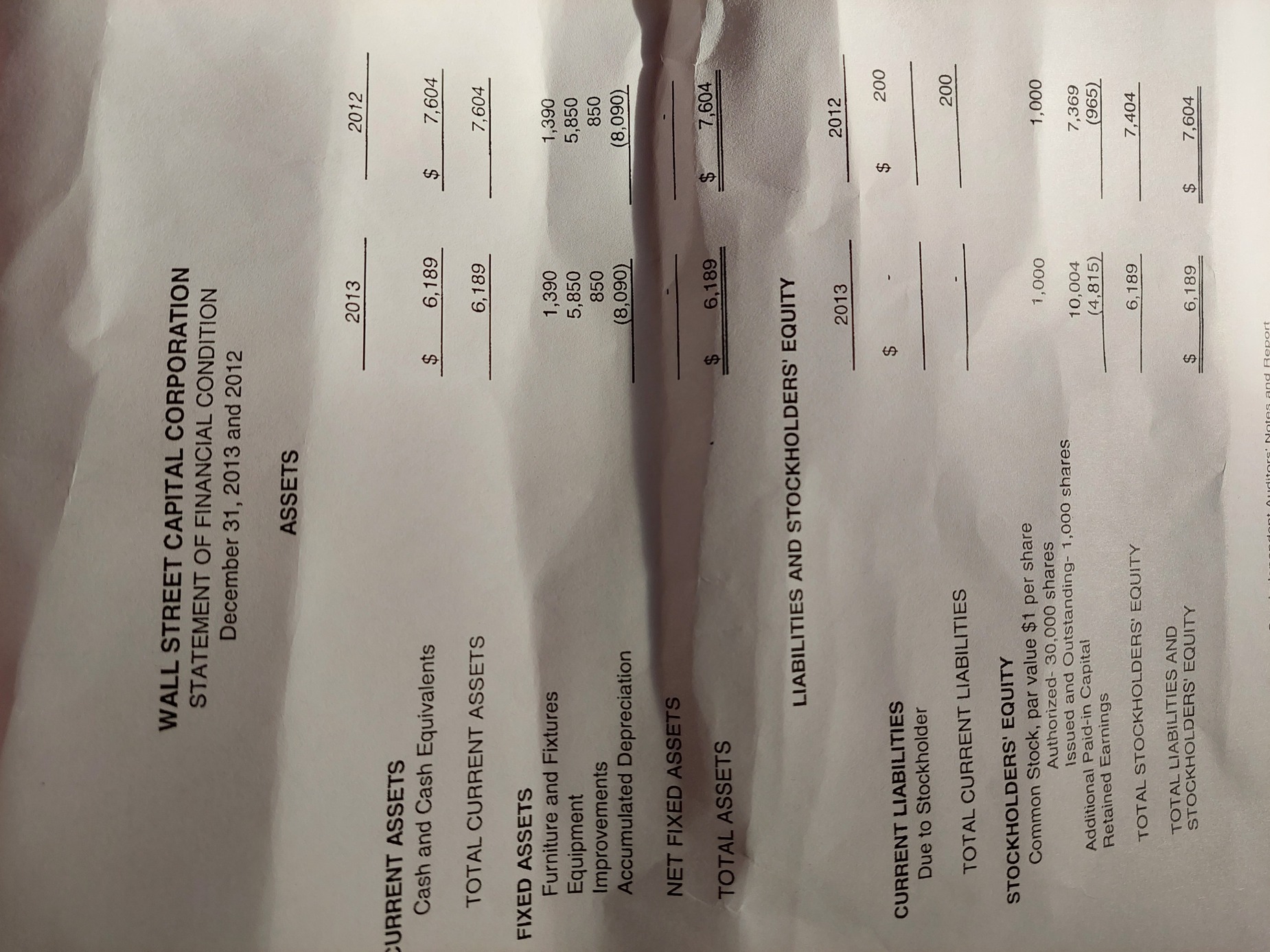



A high-quality scan is one that is easy for everyone to read. High-quality scans should be free from:
- cut-off text
- crooked pages
- dark margins (from book curvature)
- poor contrast
- pages that are rotated 90 or 180 degrees
- pages that are skewed
- handwriting
- highlighting
- underlining
- watermarks/coffee stains
- blur
Ensuring Proper Data Distribution
The main rule of the data set is that it should be well-distributed, which means it should reflect the real-world distribution of documents in production. This implies that representation of different layouts (documents of different vendors) should be distributed in the same proportion within the data set. There are two aspects of distribution to remember:
- A data set should have as many various samples of documents as possible so that a model can work well on the whole document flow in production.
- A data set should contain enough samples of rare documents and rare fields.
To sum up, it won't work to put into the data set a range of 100 documents from 80–90 different vendors, with 1–2 documents from each vendor. What works well for effective model training is stability, not variety. So there should be sufficient quantity of documents for each layout (at least 30, and more for better model results, depending on the quality of documents).
Some data is present only in particular documents or in particular cases. So these fields are called "rare" (if present in less than 30% of the documents). For effective model training, it's critical to increase the number of samples containing these fields so that the model can learn well, produce stable features, and process such fields in production.
Optimizing Document Grouping
Splitting documents into batches is often used to smooth the process of data set preparation. The batch of documents is a set of typical documents gathered by some criteria. The criterion is often the same layout; most commonly, it's from one vendor. Splitting aims to increase tagging efficiency and speed, and contribute to data set quality because it's proven that tagging of similar documents in one batch is more efficient than tagging of various documents.
SME should tell DA what criteria or keywords can be applied while splitting documents into batches. If it's possible to use historical data, it's highly recommended to split documents before the review by the DA. That can save up to a week in the Use Case development. The most typical criteria for splitting into batches are: type of document, vendor and language. When necessary, other criteria can be applied, as the number of documents per layout
should be substantial (for example, 50 or more). The Data Analyst, if there is a need, may ask to increase the number of documents.