InvoicePlane Application Setup
InvoicePlane Application Setup
InvoicePlane (https://www.invoiceplane.com/about) is a free and open-source invoicing application. EasyRPA Intelligent Document Processing Sample uses this application as a target system for injecting documents. The IDP Sample supports version 1.5.11; the other versions may have different HTML markup that breaks RPA robots.
Below you can find instructions on how to set up the application.
InvoicePlane Installation on Linux machine
- Install Docker and Docker Compose on the machine you will use as a target host (refer to Application server preparation steps for Linux platforms).
Download the InvoicePlane 1.6.3 docker installation :
or directly use this docker-compose.yml$ cd /opt $ git clone https://github.com/funktionslust/invoiceplane-docker.git
Open docker-compose.yaml in vi:
$ cd /opt/invoiceplane-docker
$ vi docker-compose.yaml
Add/update the following properties:
. . .
	ports:
		- "8085:80"
. . .
	environment:
		- IP_URL=http://<host>:8085
		- ENABLE_INVOICE_DELETION=true
		- DISABLE_READ_ONLY=true
. . .
Start the InvoicePlane application:
$ docker-compose up -d
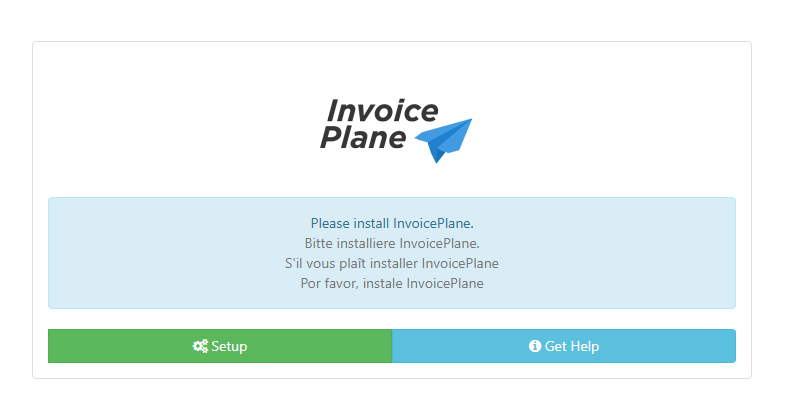
- Navigate to http://<host>:8085 in your web browser and complete the application setup.
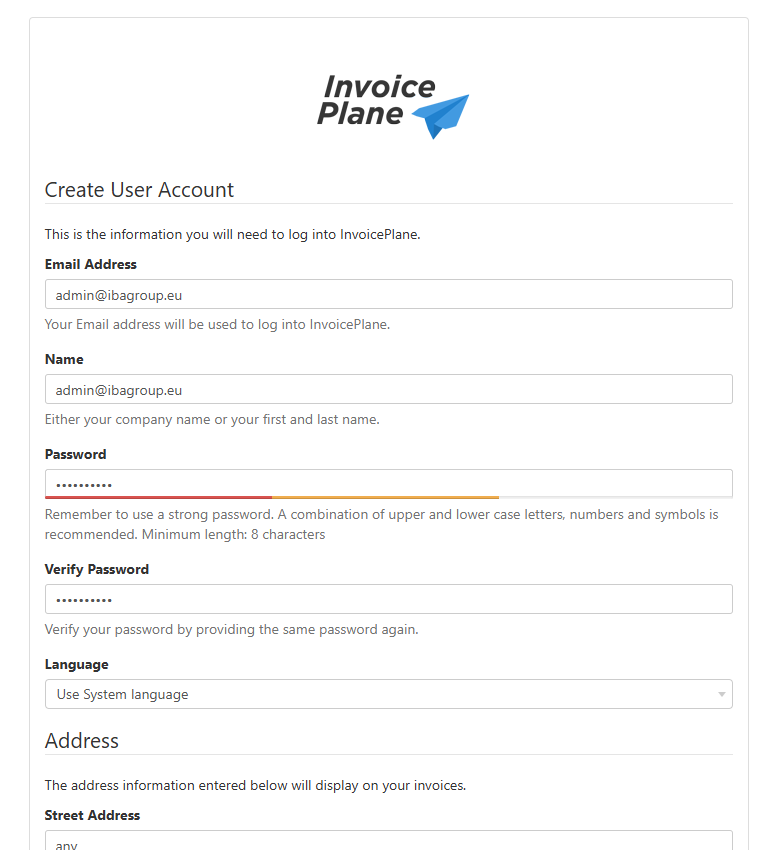
- Create User Account for user 'admin@ibagroup.eu' with password 'o66Lc1Jn6Z'. Other mandatory fields like Street Address can be of any text.
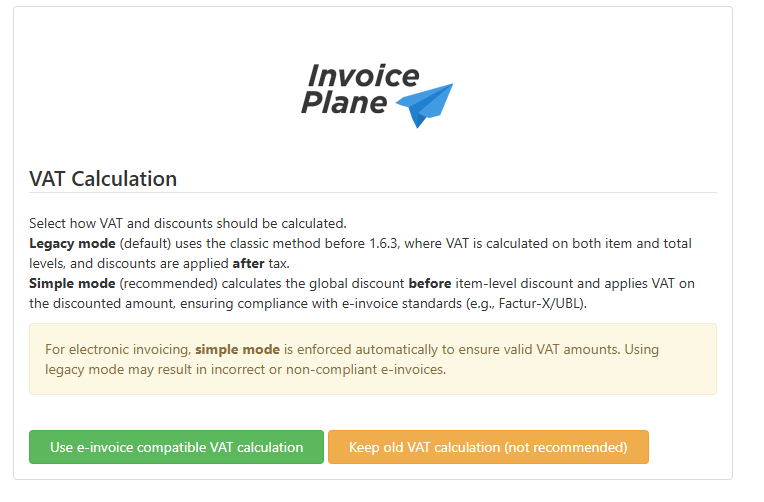
- Select Keep old VAT calculation